
Skip to content
Platform tour

One platform for learning, labs and teaching

Live classes are only part of the course. Between sessions, students study, practice and get graded in the Netwisers portal, and teachers review their work in the same place. Here is what each role sees.

Students

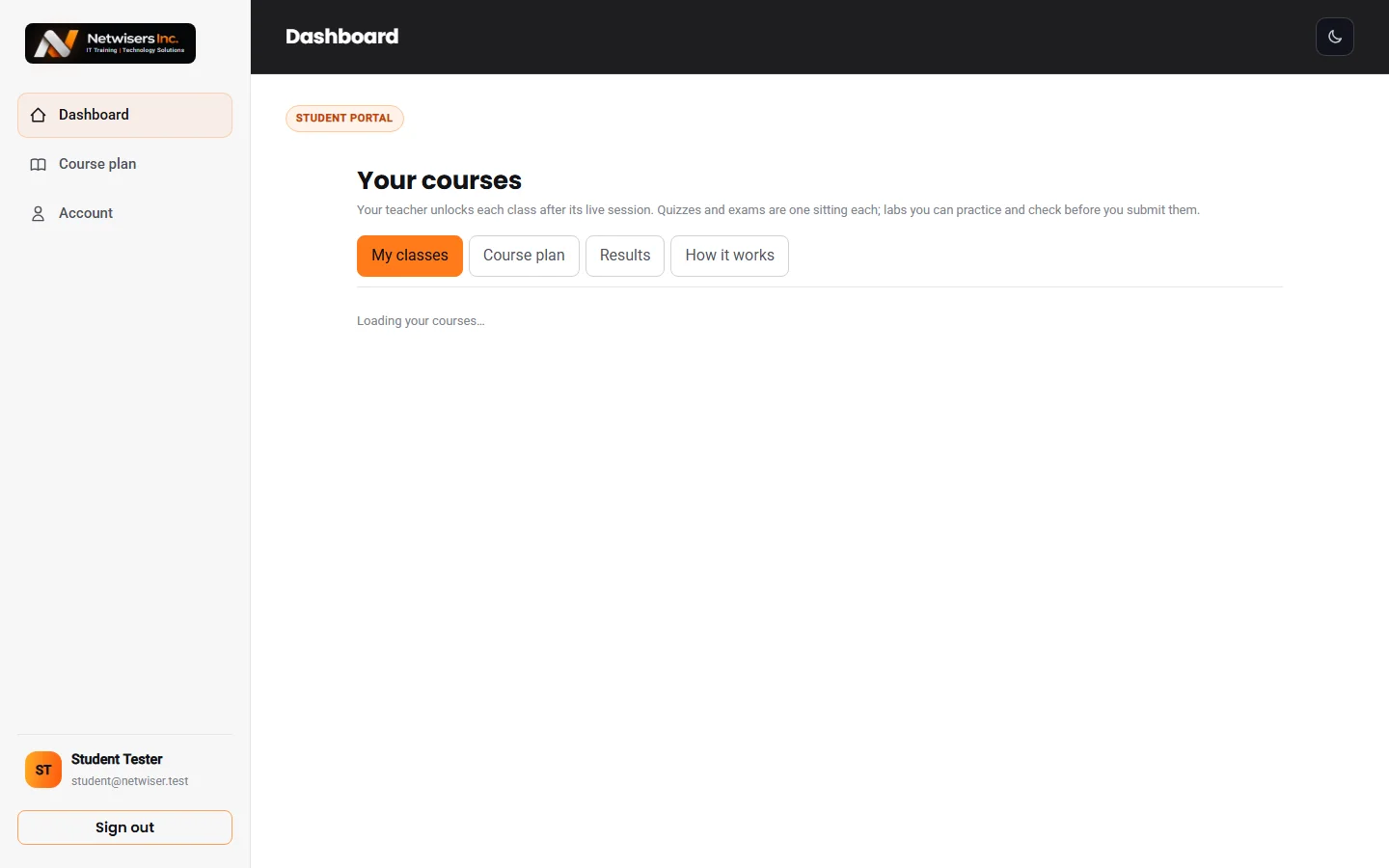
A dashboard that shows what to do next

Every course you are enrolled in appears with the classes your teacher has unlocked. Each class has three steps, lesson, quiz and lab, and the next one is always at the top. Upcoming live classes and announcements sit above it.

  • Continue where you left off
  • Live class times in your own time zone
  • All your courses in one sign-in
Student dashboard listing each course with the next class to do and its lesson, quiz and lab buttons
Students

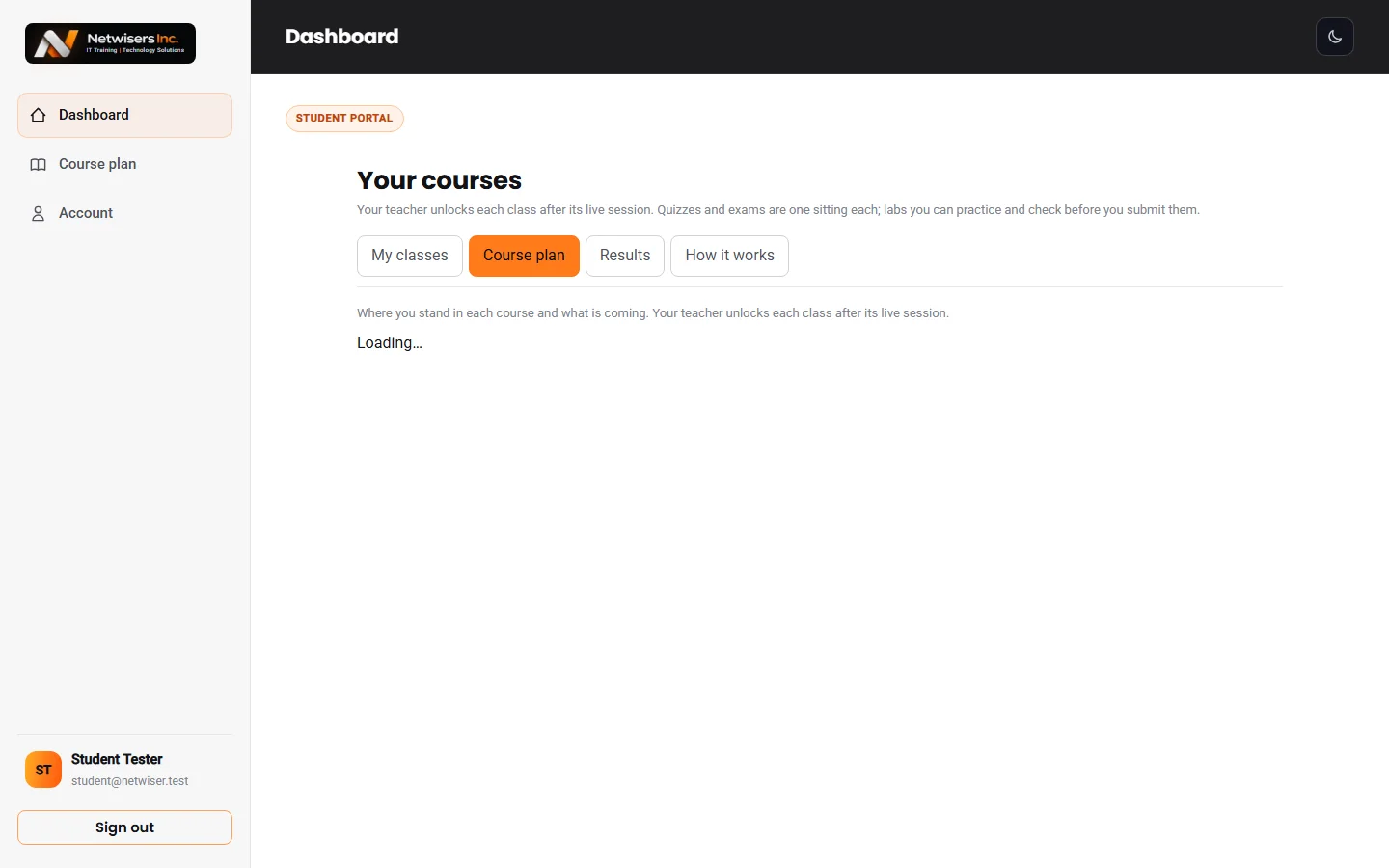
A course plan for every course

The course plan shows every class in order, which ones you have finished, which are open now and what comes next. Classes follow a fixed order, one concept at a time, and every topic is tagged to its official exam objective.

  • Where you stand in each course
  • Every topic tagged to its exam objective
  • Your teacher unlocks each class after its live session
Course plan showing each class with its status: done, open now or coming
Students

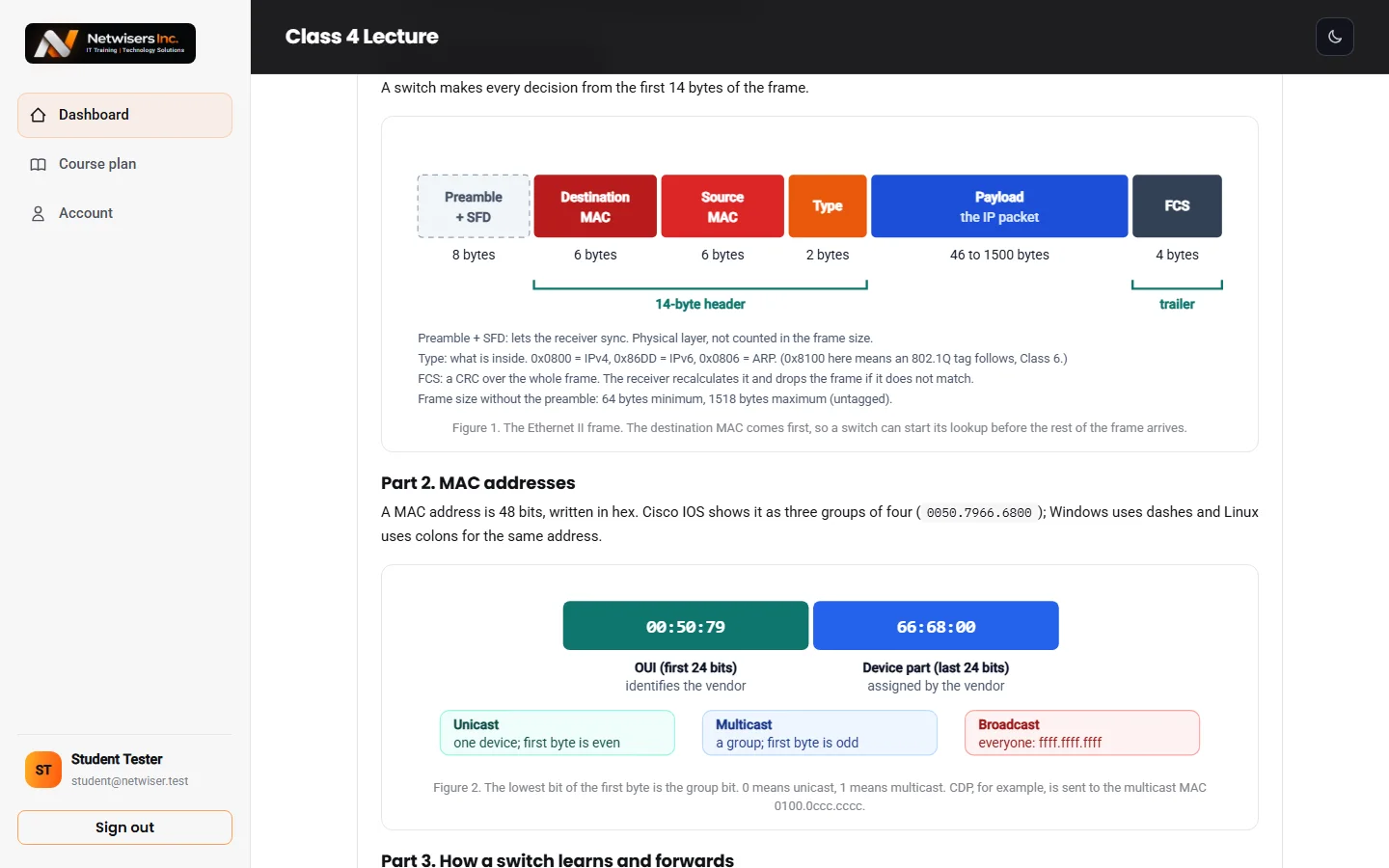
Visual lessons, not walls of text

Lessons are built around diagrams: network topologies with port labels, frame and packet layouts, tables that compare devices and protocols, and real command output explained line by line.

  • Topology diagrams
  • Real CLI output explained
  • Each class builds on the one before
CCNA lesson with a network diagram and an explanation table
Students

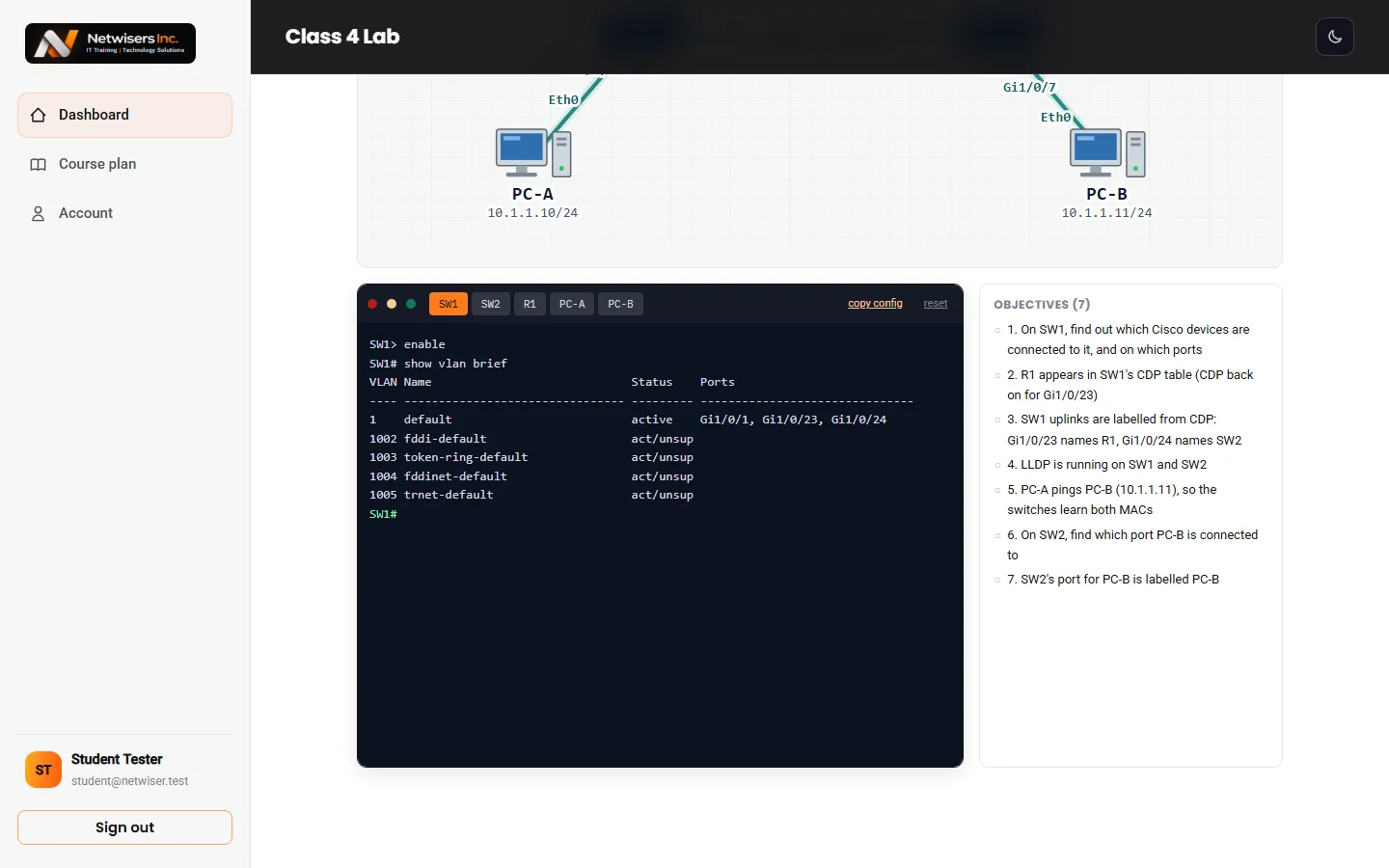
Hands-on labs right in the browser

CCNA labs run in a simulated Cisco CLI with routers, switches and PCs. Automation and Cybersecurity labs run on a Linux workstation, with real Python for the coding labs. Palo Alto and FortiGate labs come as task sheets you build in EVE-NG.

  • "Check my work" as often as you like
  • One submission to your teacher when you are ready
  • Graded on our server, so answers never reach the browser
Lab screen with the network topology above and a switch console running show vlan brief
Students

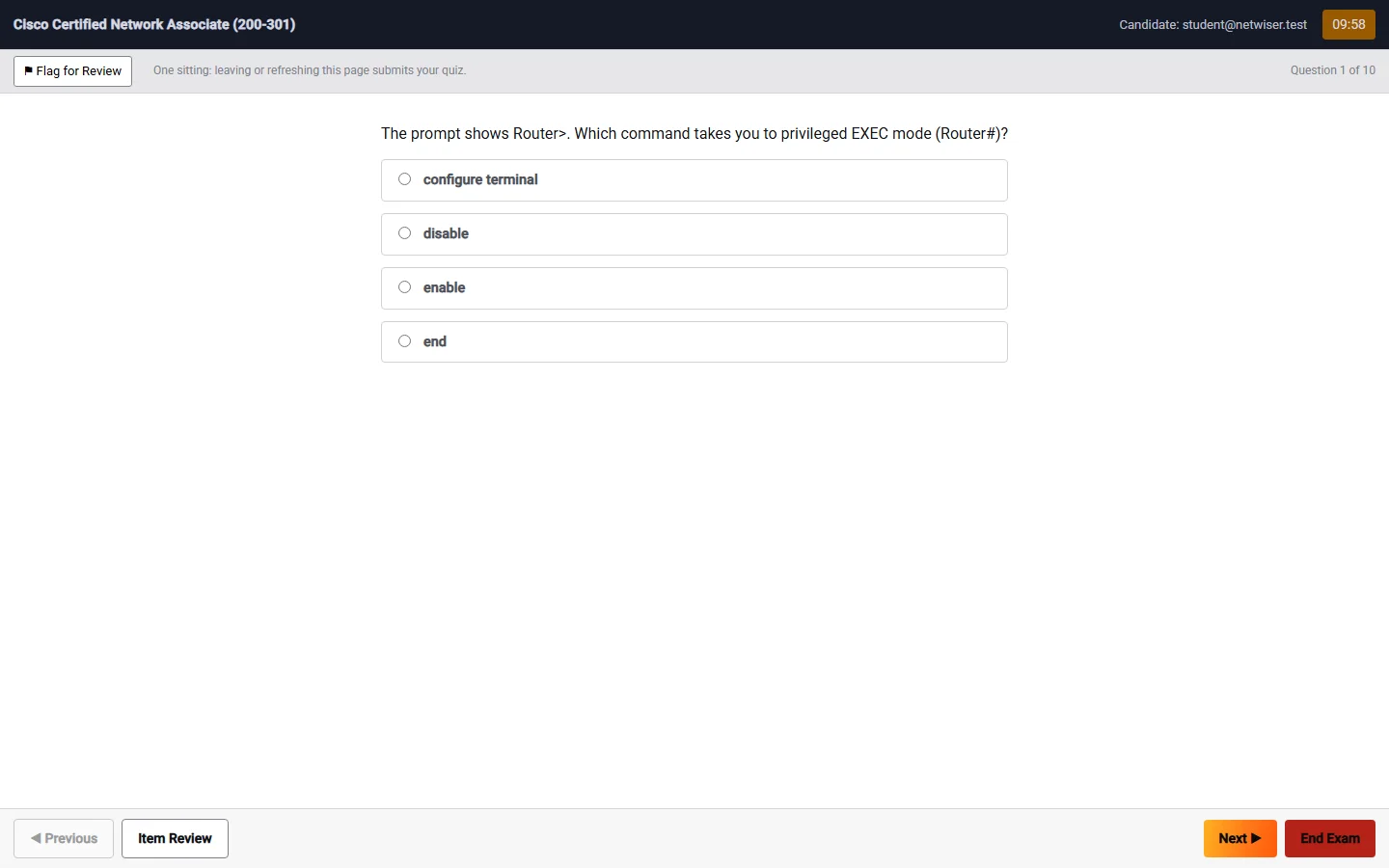
Timed quizzes in exam style

Each class ends with a timed quiz of ten questions in the exam formats: single answer, multiple response, drag and drop, exhibits and testlets. A full review with explanations opens after you submit, and full-length practice exams come near the end of the course.

  • One sitting, one attempt
  • Exhibits with real device output
  • Explanations for every question
Quiz question 1 of 10 in the exam room, with a timer, flag for review and the answer choices
Teachers

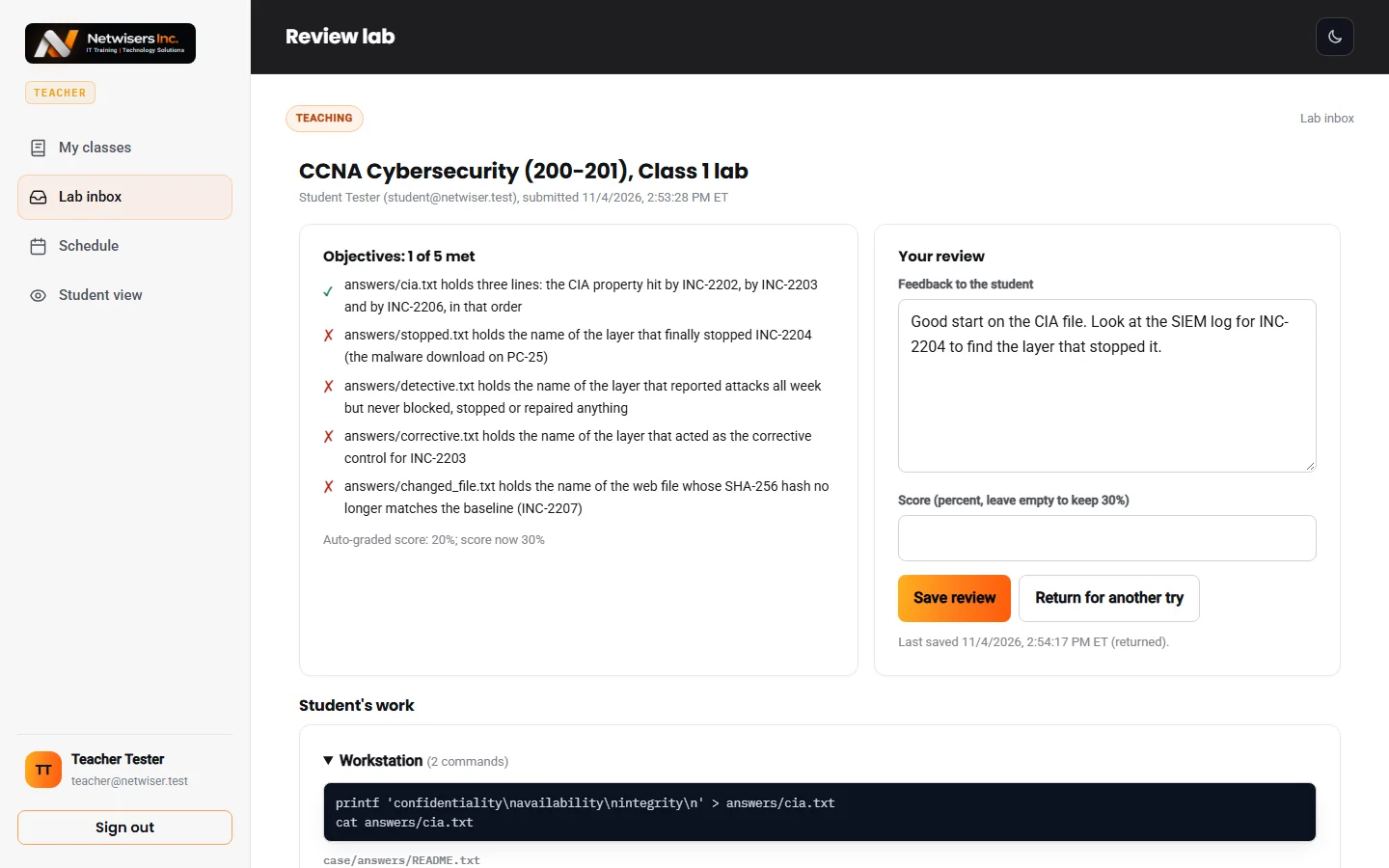
Teachers review every submitted lab

When a student submits a lab, the teacher sees each objective with its result, every command the student typed and their final configs or files. Teachers add feedback, change the score, or return the lab for another try, and the student is emailed.

  • Lab inbox
  • Feedback and score change
  • Solutions shown to the student only after they submit
Teacher lab review with each objective result, the student work, feedback and score fields
Teachers

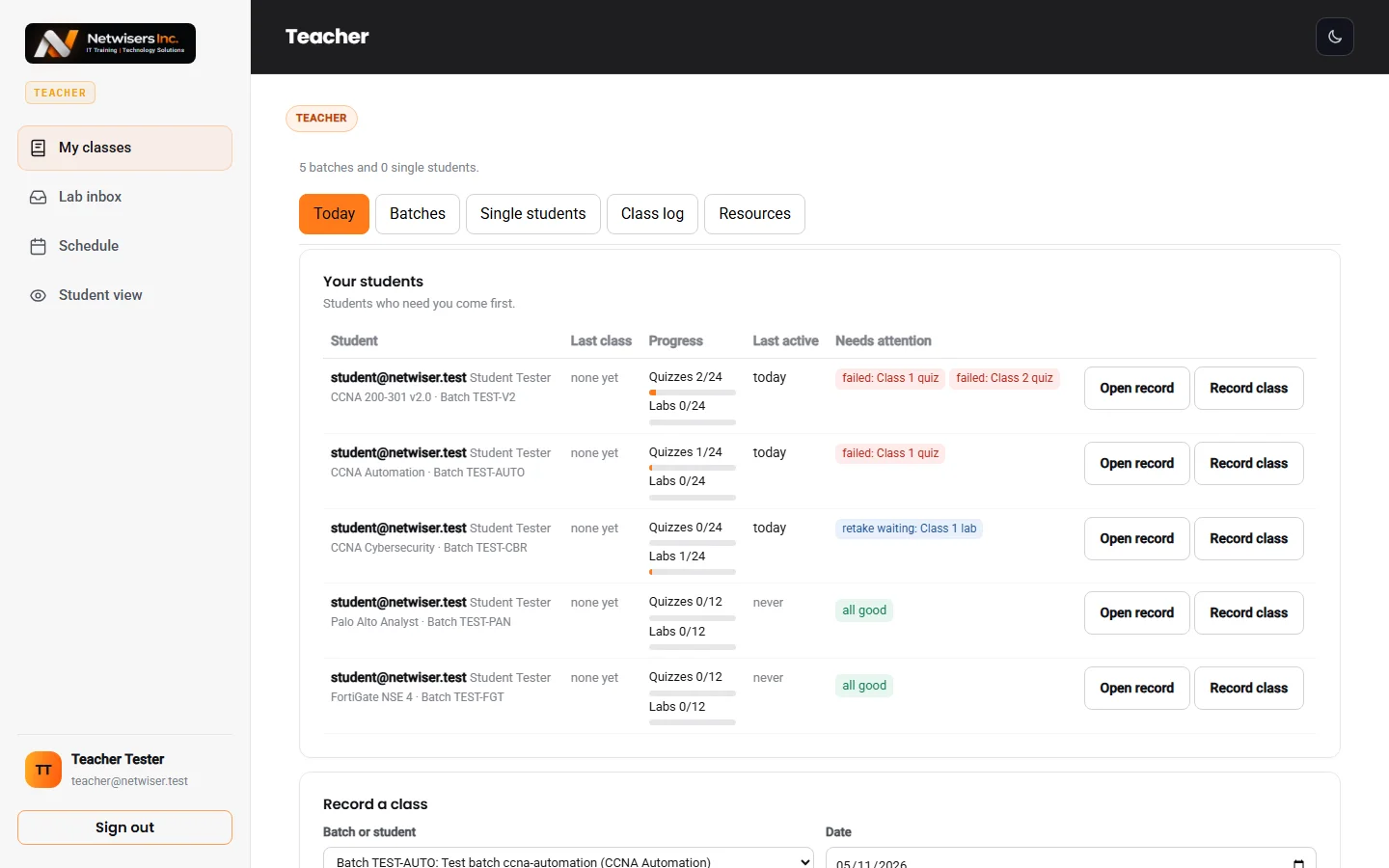
Batches, class log and student records

Teachers see their batches and students, who needs attention, and each student's record. After a live class they log it, mark attendance and unlock that class for the batch. They also post the class schedule and announcements, and can present any lesson as a slideshow.

  • Class log with attendance
  • Unlock classes for a batch or one student
  • Lesson slideshow and PowerPoint export
Teacher page listing their students with progress, last class and what needs attention
Admins

An admin panel to run the school

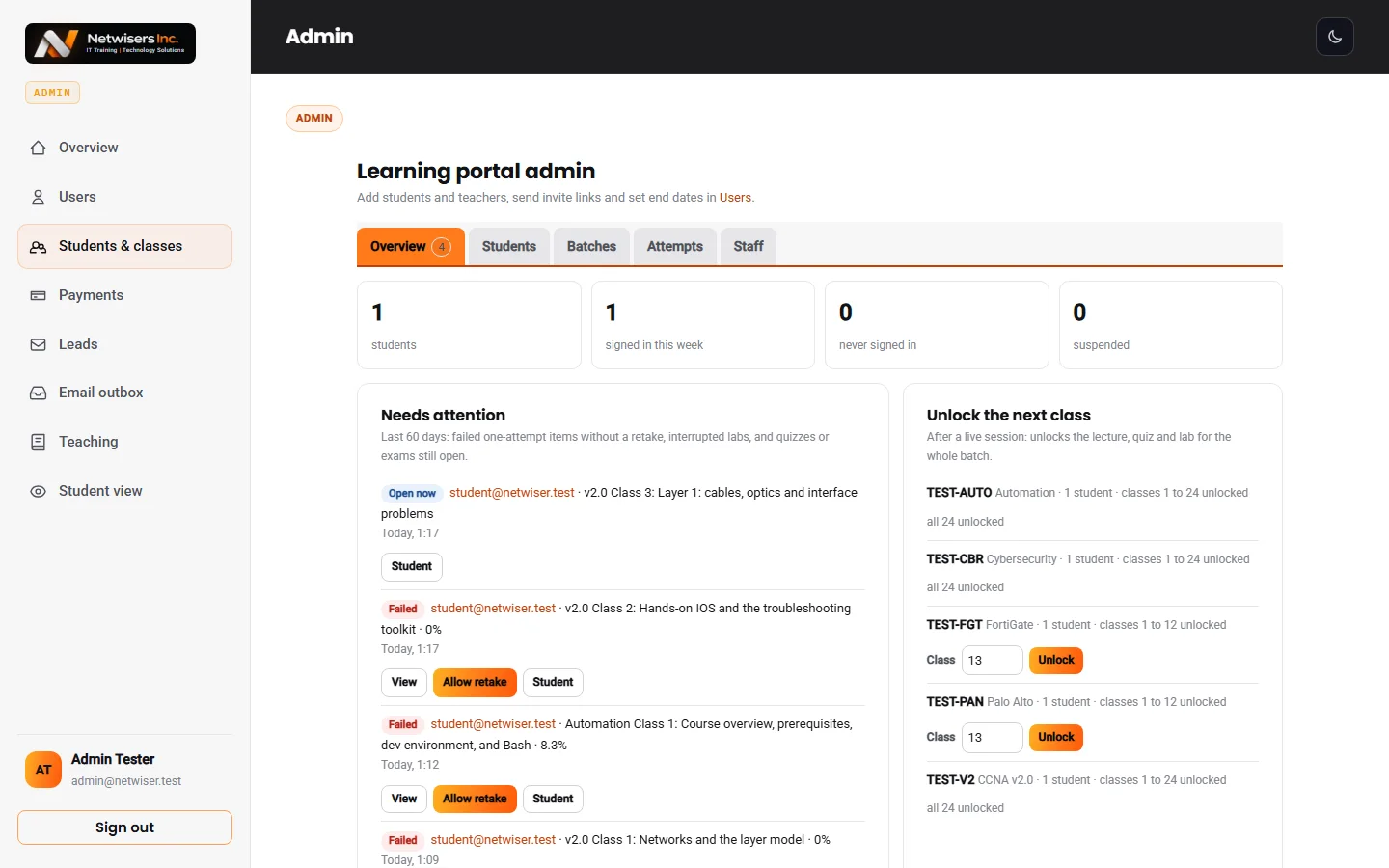
Admins see students, activity and what needs attention on one screen. They invite students and teachers, set course end dates, build batches, grant classes and exams, allow retakes, record payments and check every email the platform sends.

  • Users, batches and grants
  • Leads from the consultation form
  • Payments and an email outbox
Admin overview with student counts, sign-ins this week, items that need attention and classes to unlock

Screenshots from the Netwisers portal, taken with a test account.

Also built in

Separate sign-in for each role

Students, teachers and admins each have their own sign-in page, and each page only accepts its own role.

Invite links, never plain passwords

New accounts get a one-time link to set a password. Passwords are never shown or emailed.

Email notifications

Teachers are emailed when a lab is submitted, students when it is reviewed or returned, and class announcements go out by email.

Access that follows the course

Portal access stays open until 30 days after the course end date, then closes on its own.

Works on any computer

Everything runs in a modern browser. There is nothing to install and no lab hardware to buy.

Light and dark mode

Pick the theme that is easier on your eyes for late-evening study.

See it with your own course

The first class of every course is free. Book a consultation and we will help you pick from our 21 courses.